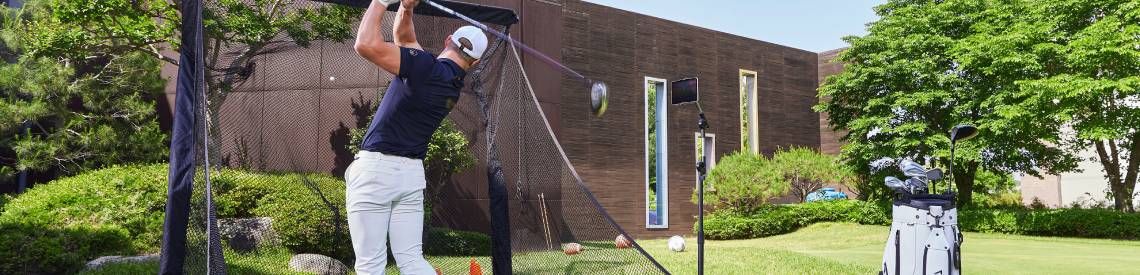
Top level golf training
Before you set up your golf simulator, you should first check how much space you have available. The size of the room determines which launch monitors, enclosures, tee nets, or projectors can be used effectively.
For a comfortable indoor golf experience, we recommend the following minimum dimensions:
- Ceiling height: approx. 2.80 m
- Room width: at least 3 m
- Room depth for camera-based launch monitors: approx. 5 m
- Room depth for radar-based launch monitors: approx. 6 m
In addition to the dimensions themselves, obstacles such as light fixtures, pipes, heaters, or sloped ceilings also play an important role. There should be sufficient freedom of movement, especially when using long clubs like the driver.
How you plan to use your golf simulator in the future is also crucial: Do you mainly want to practice, play virtual golf courses, or enjoy simulated golf with friends? This will determine which components and what amount of space are appropriate.
A complete indoor golf simulator setup consists of several components that are perfectly coordinated with one another. The equipment that makes the most sense for you depends primarily on your available space, your budget, and your personal goals—ranging from pure swing training to realistic play on virtual golf courses.
- The heart of every golf simulator is the launch monitor. It measures ball and club data such as ball speed, spin, distance, and launch angle, and forms the basis for precise training and realistic gameplay. Depending on the size of the room and intended use, either radar-based or camera-based systems may be suitable.
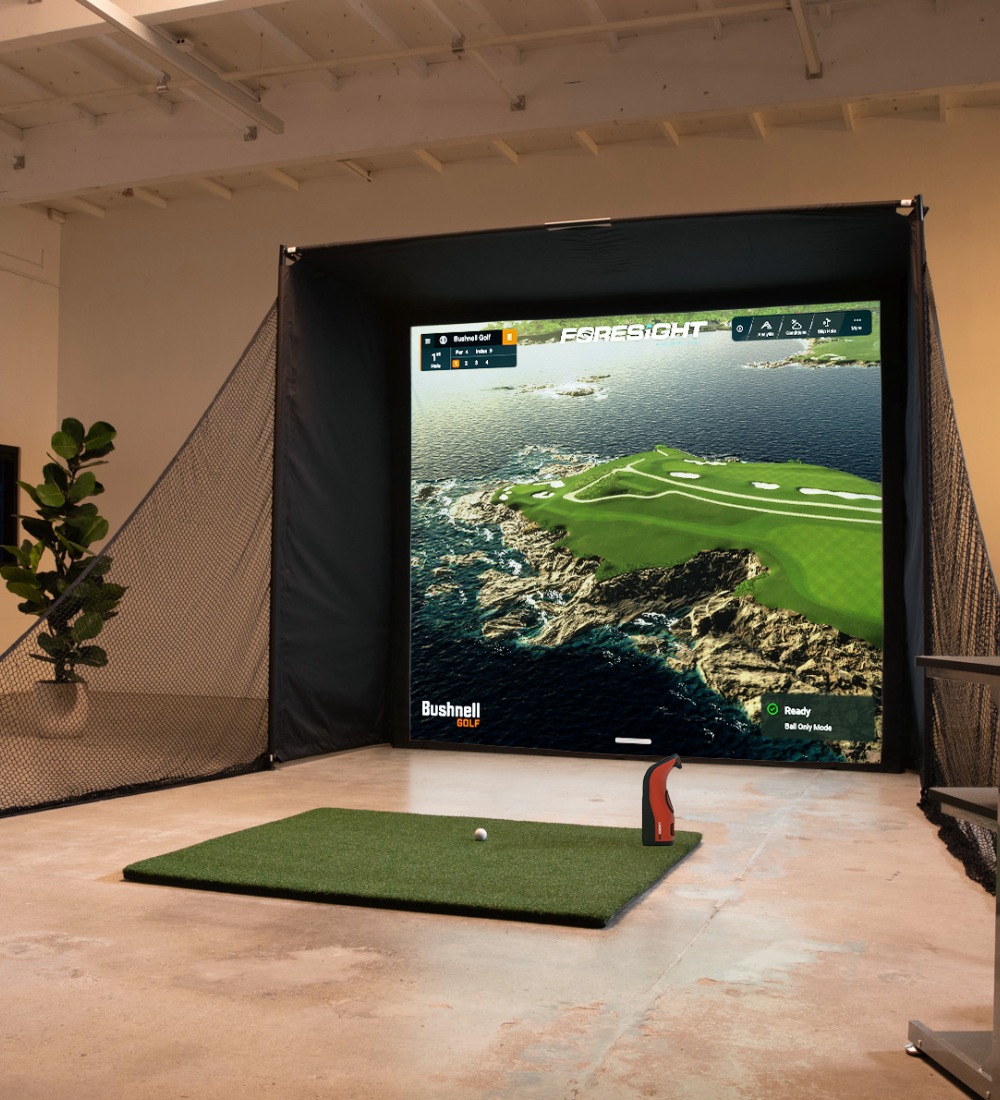
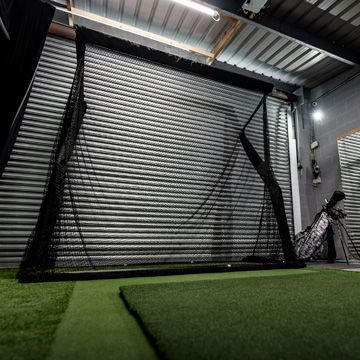
- For the most immersive simulator experience possible, the launch monitor is combined with an enclosure or a high-quality tee net. An enclosure with an impact screen ensures maximum safety while also allowing for the projection of virtual golf courses. High-quality screens not only improve image quality but also reduce noise and ricochets.
- A suitable golf projector displays simulator software, training data, and golf courses with razor-sharp clarity on the impact screen. Short-throw projectors are particularly popular because they produce large images even from a short distance and are ideal for indoor golf rooms.
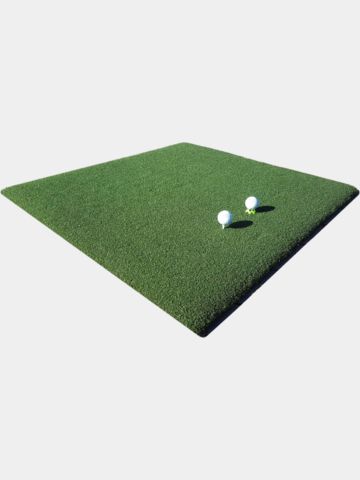
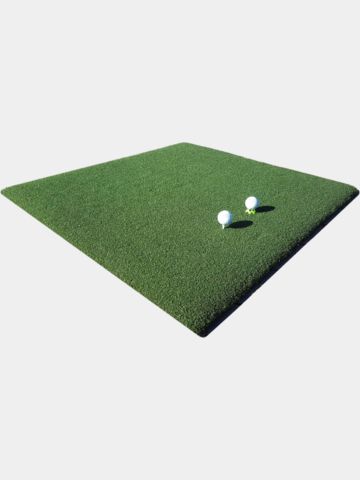
- Equally important is the right tee mat. High-quality golf mats simulate the feel of a real fairway, protect your joints, and ensure realistic ball reactions. Size, material quality, and cushioning play a decisive role here.
- Optional accessories such as side nets, impact-resistant panels, projector protective housings, radar golf balls, or acoustic solutions make the setup even safer, more comfortable, and more professional.
To use a golf simulator, you’ll also need compatible software and, depending on the system, a high-performance PC, laptop, tablet, or smartphone. The software enables virtual rounds of golf, driving range practice, swing analysis, and online competitions.
The ideal indoor golf setup thus combines precise measurement technology, high safety standards, realistic playing conditions, and powerful software into a golf experience that perfectly blends professional training with the fun of virtual play.
-
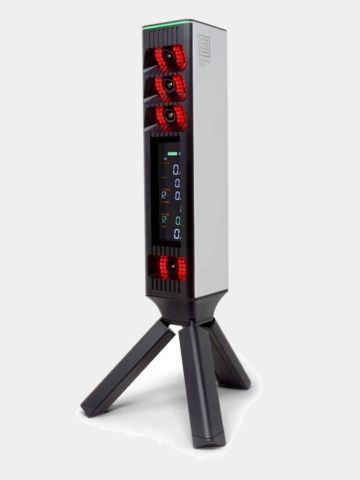
Square Golf
OMMI Launchmonitor
€1,849.00in: One size fits all -
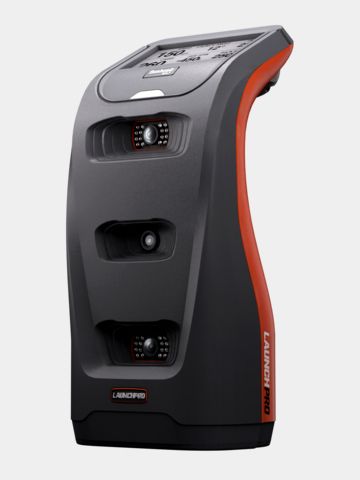
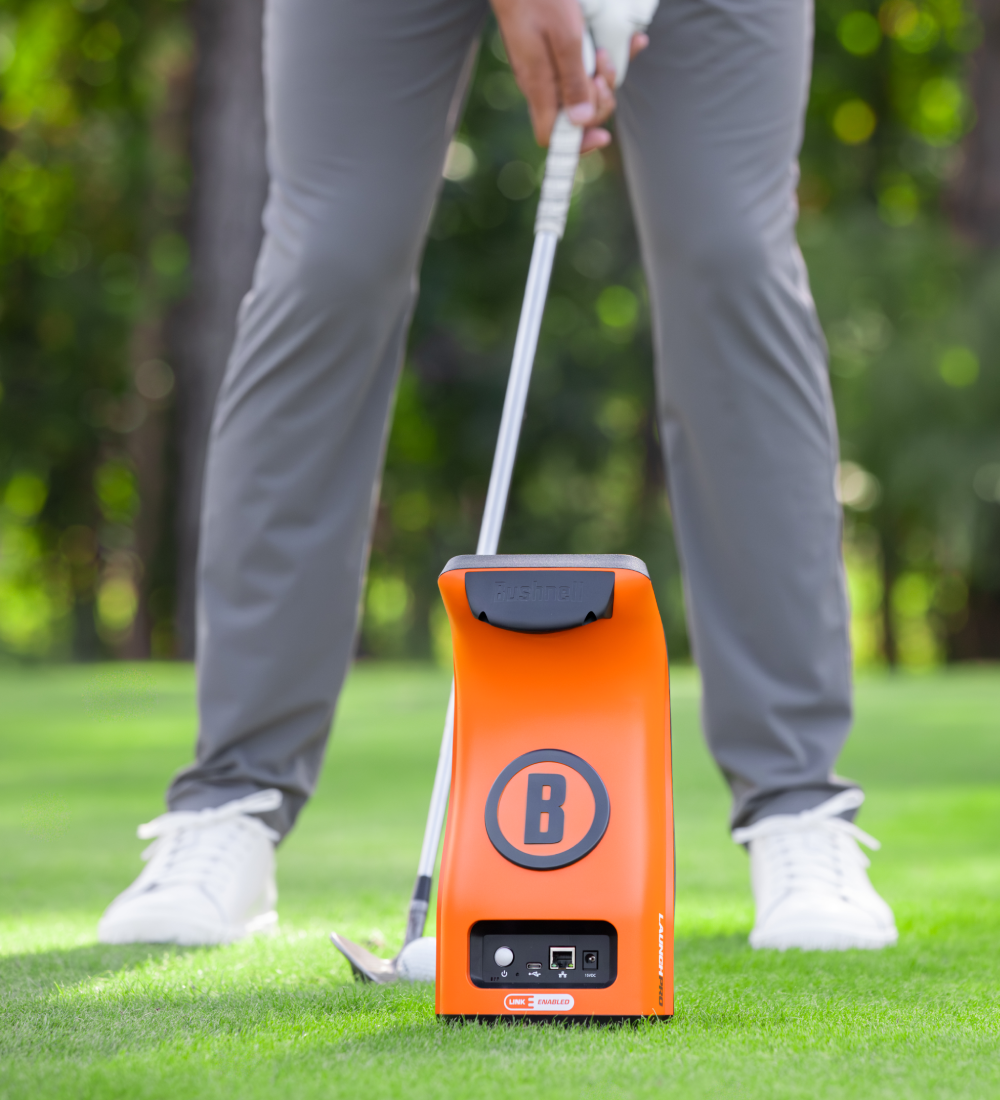
Bushnell
Launch Pro
€3,249.00in: One size fits all -
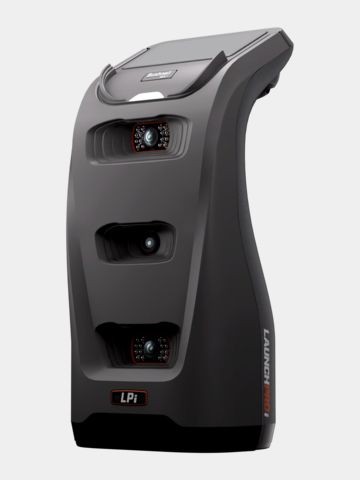
Bushnell
Launch Pro indoor - LPi
€2,199.00in: One size fits all -
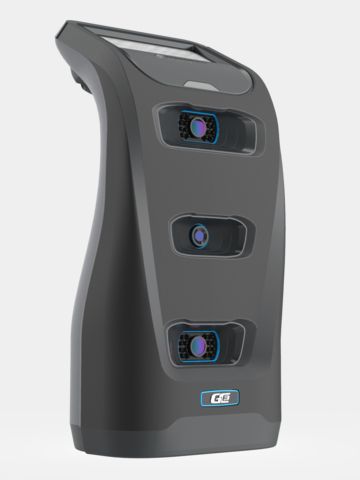
Foresight
GC3
€8,999.00in: One size fits all
-
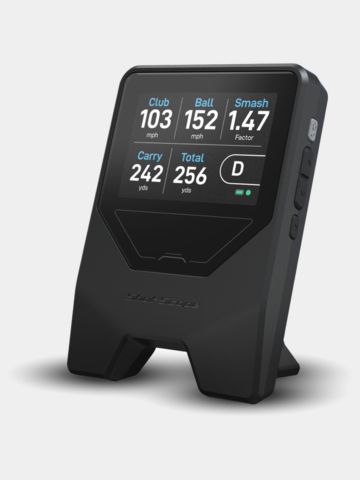 -8%
-8%Shot Scope
LM 1 Launchmonitor
€239.00 €219.00in: One size fits all -
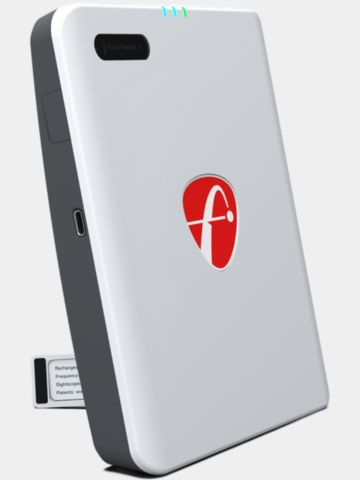
FlightScope
Mevo Gen 2
€1,299.00in: One size fits all -

Square Golf
Simulator
€829.00in: One size fits all -
 -25%
-25%Rapsodo
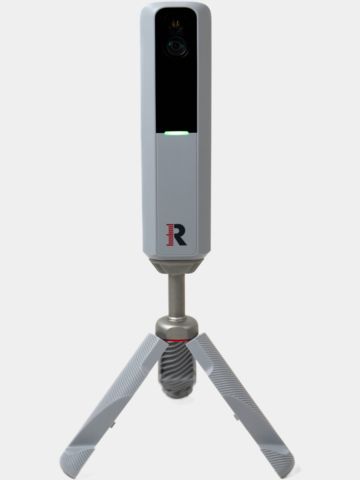
MLM2PRO Launch Monitor
€799.00 €599.00in: One size fits all -
Garmin
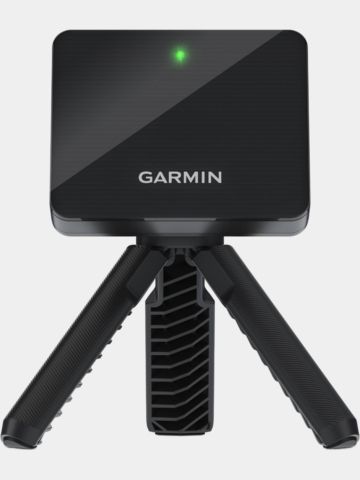
Approach R10 Launch Monitor
€549.00in: One size fits all
Launch monitors are either radar-based (Doppler) or camera-based (photometric). Both track key details such as ball speed, spin, and the launch angle of your shots.
Radar-based launch monitors use Doppler radar technology to track the ball’s flight over a longer distance. They are particularly well-suited for outdoor practice and typically require more space in front of and behind the ball.
Camera-based or photometric launch monitors capture ball and club data using high-speed cameras directly at the moment of impact. They provide exceptionally precise spin and club data and work exceptionally well in smaller indoor golf setups.
Both technologies have their own unique strengths and weaknesses and provide reliably accurate data. The decision between radar and camera launch monitors depends on the space you have available, your budget, and how you plan to use the simulator.
Depending on the model, you'll receive data such as:
- Ball speed
- Racket speed
- Smash factor
- Spin rate
- Launch angle
- Carry Distance
- Club Path
- Face Angle
These metrics help you identify swing flaws and improve your golf game in a targeted way. A detailed list of the data provided can be found in the respective product description.
It really depends on the intended use. Portable launch monitors offer maximum flexibility and can be used both at home and on the driving range. Permanently installed systems—such as ceiling-mounted solutions—on the other hand, provide a particularly comfortable and professional simulator experience.
-
Sim Space
SLIM Golf Enclosure 3.3 x 2.5 x 1 Mtr
€1,179.00in: One size fits all -
Sim Space
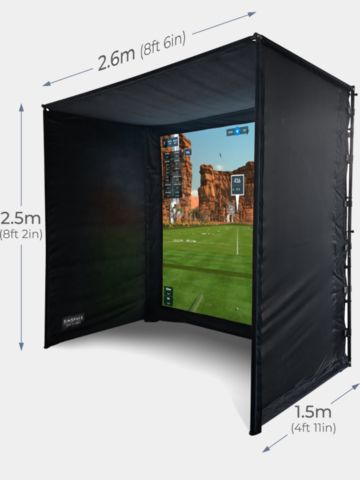
Golf Enclosure 2.6 x 2.5 x 1.5 Mtr
€1,549.00in: One size fits all -
Sim Space
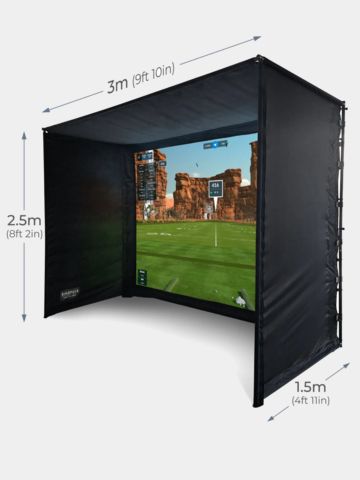
Golf Enclosure 3 x 2.5 x 1.5 Mtr
€1,579.00in: One size fits all -
Sim Space
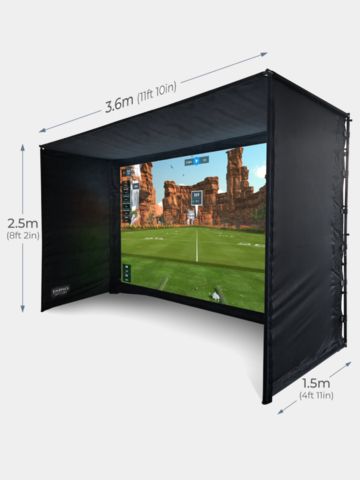
Golf Enclosure 3.6 x 2.5 x 1.5 Mtr
€1,639.00in: One size fits all
-
Sim Space
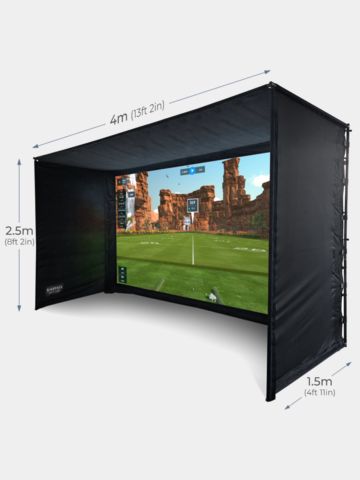
Golf Enclosure 4 x 2.5 x 1.5 Mtr
€1,699.00in: One size fits all -
Sim Space
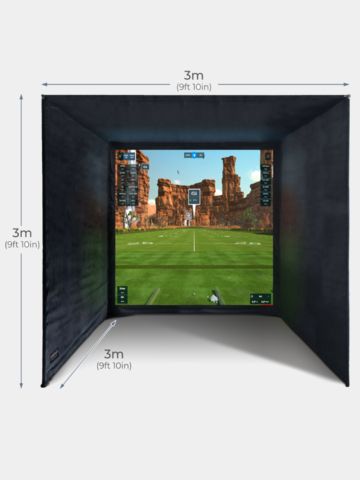
Golf Enclosure 3 x 3 x 3 Mtr
€1,869.00in: One size fits all
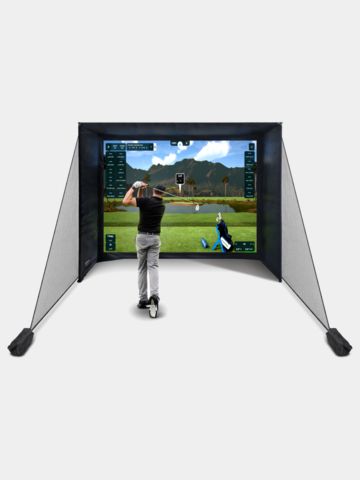
An enclosure is ideal if you regularly play simulated golf, want to set up a dedicated practice area, plan to use a projector, and, of course, have the necessary space available. It creates an exceptionally realistic playing experience, allowing you to fully immerse yourself in your golfing environment while also enhancing safety.
The Standard Enclosures feature the Platinum Screen, while the Premium Enclosures are equipped with the UltraMAX Screen. The main difference between these two models lies in the screen color and the resulting image optimization for different lighting conditions, while the basic frame construction, sound absorption, and enclosure structure are identical.
The SimSpace Platinum Screen offers a white surface for maximum brightness in dark rooms, such as basements or garages without natural light. The SimSpace UltraMAX Screen is a gray, high-contrast screen specifically designed for rooms with ambient light, such as living rooms or, more generally, rooms with windows.
No matter which version you choose, both packages use the same frame made of sturdy snap-together metal rods padded with damping foam tubes. The outer covering, made of light-absorbing, black premium velour, is also identical for both cabins.
An impact screen is not just a projection screen. The impact screen is crucial for image quality, safety, and noise levels. High-quality screens are made of durable fabric, deliver sharper projections, better absorb the impact of incoming balls, and significantly reduce disruptive noise.
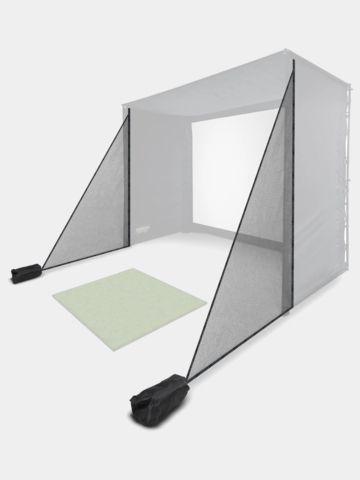
Yes—high-quality golf simulator enclosures are specifically designed to safely catch golf balls and minimize ricochets. Additional side nets and padding further enhance safety and are also available from us.
-
Sim Space
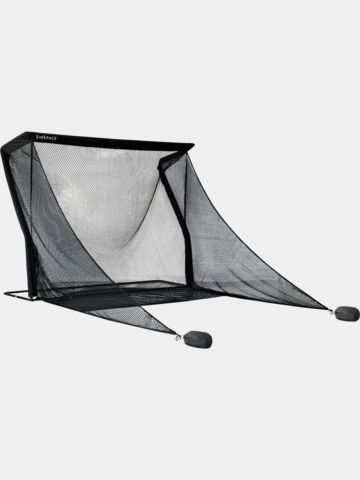
Deluxe Home Driving Net 3m
€479.00in: 3 meters -
Sim Space
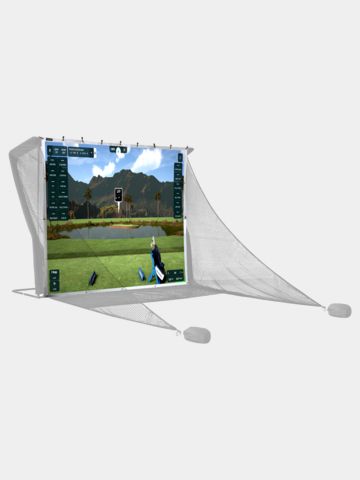
SimSpace Deluxe Home Driving Net Impact Screen 2.95x2.5m
€159.95in: One size fits all -
Sim Space
Deluxe Home Driving Net
€349.00in: One size fits all -
Sim Space
SimSpace Deluxe Home Driving Net Impact Screen 2.4 x 2.5
€119.95in: One size fits all -
Silverline
Golf Practice Net
€124.95in: One size fits all -
Sim Space
Side mesh
€119.95in: One size fits all
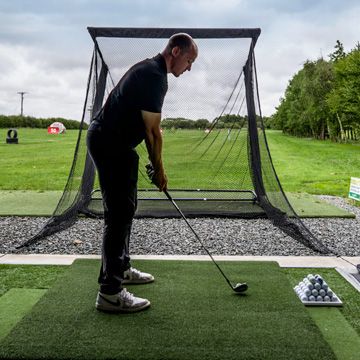
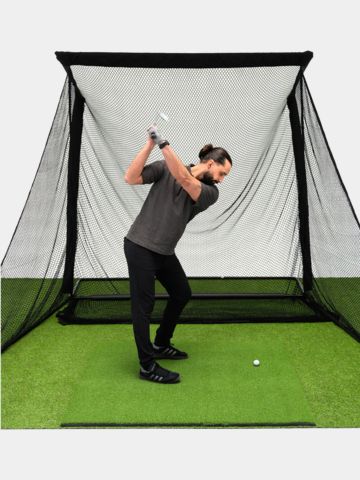
If you mainly want to work on your swing and practice your ball strikes, a high-quality golf net is often all you need. For a complete simulator experience with virtual golf courses, we also recommend an impact screen and a projector.
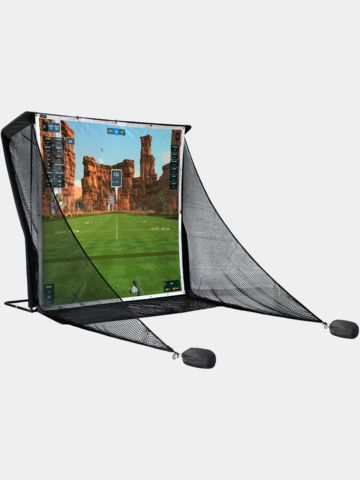
An impact screen is especially worthwhile if you use simulator software and want to project ball flights or golf courses. This creates a much more realistic indoor golf experience.
High-quality driving range nets are specifically designed to reliably catch golf balls. It is important to use durable materials, sturdy frames, and to maintain a sufficient distance from walls or fragile objects.
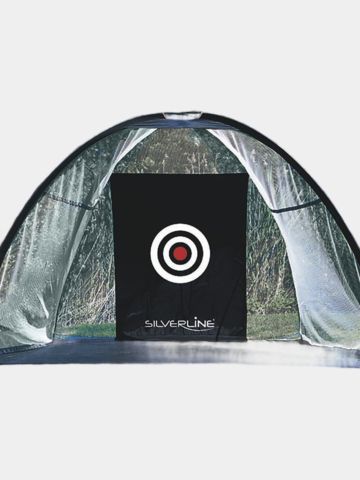
Portable golf nets can be set up and taken down quickly and are ideal for flexible practice areas or seasonal use in the yard.
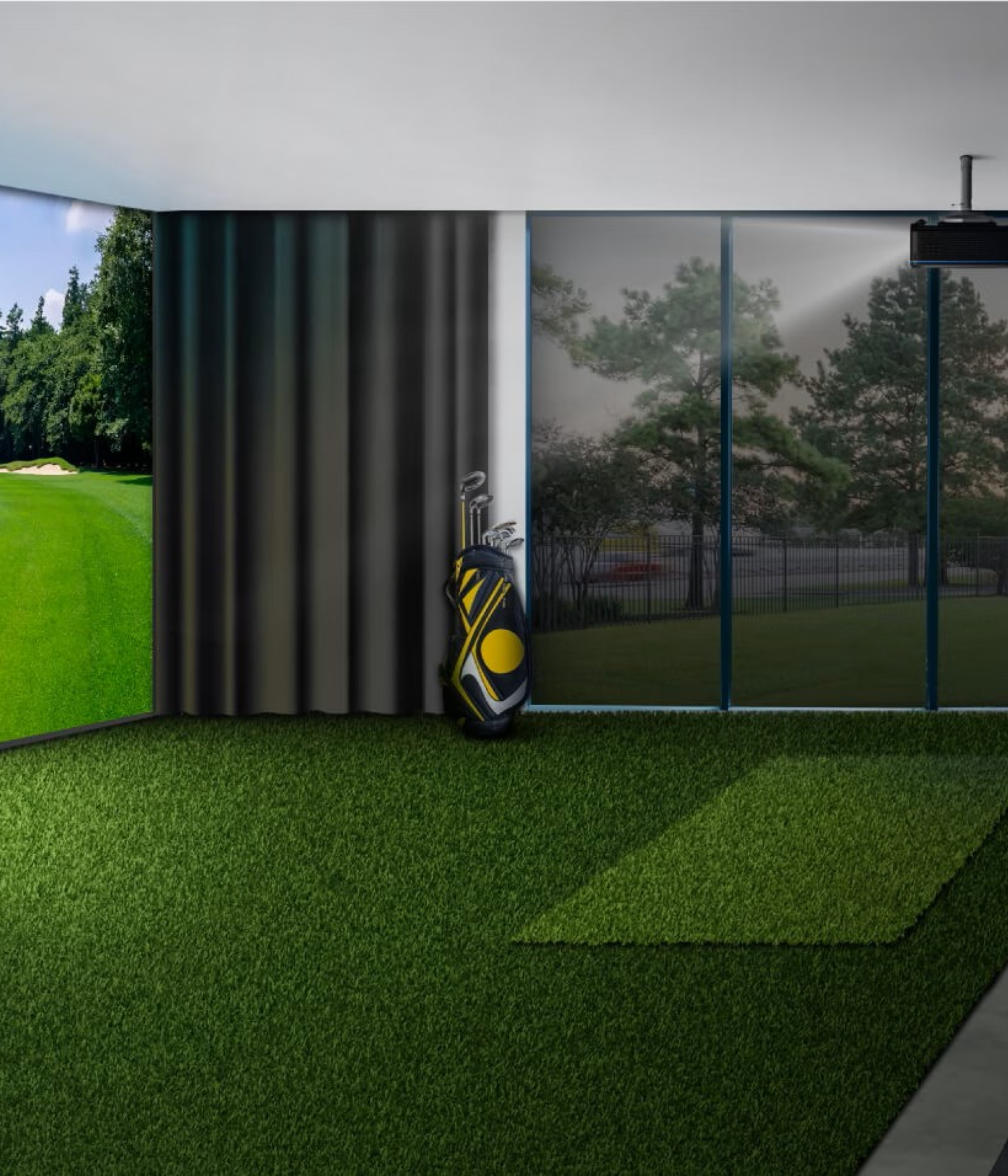
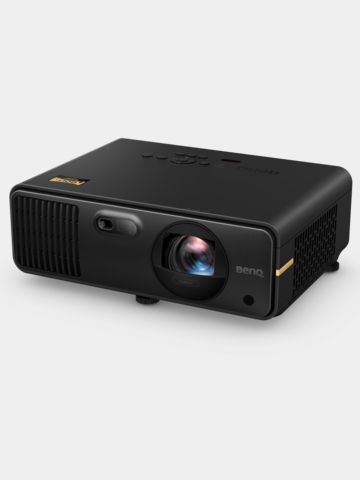
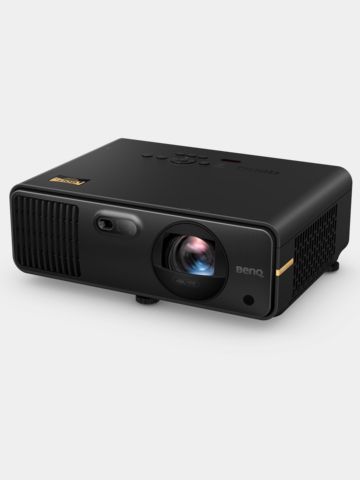
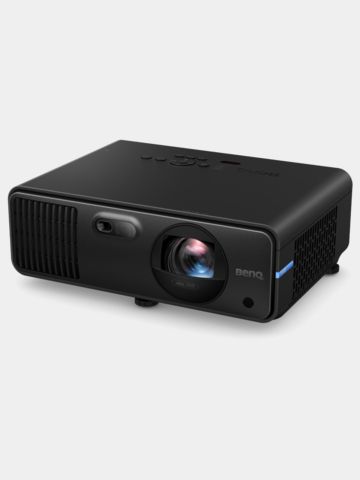
BenQ short-throw laser projectors were specifically designed for use in golf simulators and offer significant advantages over conventional home theater or office projectors in terms of shadow-free projection, maintenance-free operation, and image fidelity. They solve the typical problems that arise when setting up an indoor golf system in garages, basements, or living rooms.
No shadowing: With a normal projector (standard throw), the device must be placed far back in the room. If you stand in the beam, your body casts a huge shadow on the screen. BenQ’s short-throw lenses (throw ratio typically between 0.5 and 0.8) allow the projector to be mounted directly above or just behind the tee-off point. The image remains completely shadow-free.
Protection for your equipment: Thanks to the short distance, there’s no risk of hitting the expensive projector with your golf club as you swing, or of the ball ricocheting and damaging the device.
Consistent brightness: Traditional projectors use mercury lamps, which rapidly lose their brightness after just a few hundred hours. A BenQ laser projector maintains its high brightness (often 4,000 to 6,000 ANSI lumens) almost linearly over many years. This is crucial for realistically projecting the golf course even with the room lights on.
Extreme Durability & Zero Maintenance: While conventional lamps must be replaced at great expense after about 3,000 to 4,000 hours, BenQ’s laser light source lasts over 20,000 hours. In addition, the devices are dust-protected (IP5X certification) and completely filter-free, so no “melting residue” can form due to dust particles—ideal for typical simulator rooms such as basements or garages.
Specialized Color Tuning: BenQ trains the image processors exclusively for the display of golf courses. While standard projectors often render grassy areas as a muddy, uniform green, BenQ’s Golf Mode precisely highlights the blue and green tones. This allows fairways, greens, bunker edges, and slight terrain slopes to be seen in three dimensions with razor-sharp clarity.
Intelligent image adjustment for impact screens: Golf screens rarely have the classic 16:9 aspect ratio; instead, they’re often more square (4:3 or 1:1). Standard projectors distort the image in these cases. Modern BenQ models feature cameras and AI algorithms (such as Auto Screen Fit) that automatically detect the screen’s shape and adjust the image perfectly in a matter of seconds without any loss of resolution.
Short-throw projectors produce a large image even from a short distance. This allows them to be safely mounted above or in front of the player without casting distracting shadows.
For darker rooms, 2,000 to 3,000 ANSI lumens are often sufficient. For brighter rooms or in daylight, higher-powered models with 4,000+ lumens are recommended.
1080p already provides very good image quality for most home golf simulators. 4K projectors offer even sharper details, but require more powerful hardware and a larger budget.
Laser projectors offer a longer service life, consistent brightness, and require less maintenance. Lamp-based projectors are usually less expensive to purchase.
-
Private Greens
Augusta Pro Tee tee mat
€299.00in: 1m x 1.5m -
Private Greens
Augusta Pro Tee tee mat
€449.00in: 1.5m x 1.5m -
Sim Space
Tee Turf Mat 150x150cm
€339.00in: One size fits all -
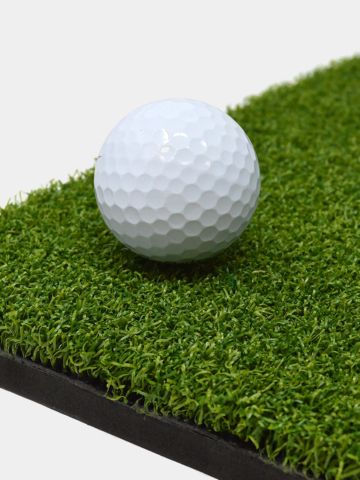
Sim Space
Standard Hitting Mat 150x150cm
€229.00in: One size fits all -
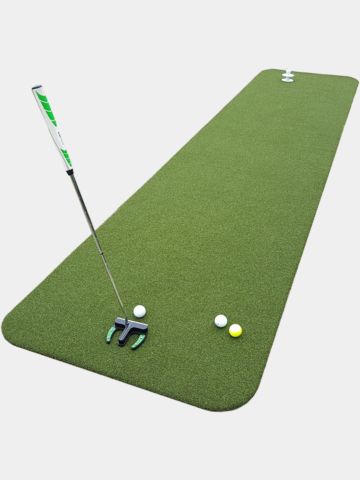
Private Greens
Pro putting green
€399.00in: 1m x 3m
Inexpensive mats often wear out faster, provide less cushioning, and can put more strain on your wrists or elbows. High-quality mats, on the other hand, provide a more natural feel when hitting the ball and greater comfort. It’s well worth investing in a high-quality hitting mat.
The right size depends on your setup and your training goals. Larger mats offer more freedom of movement and allow for different swing positions. Additionally, you won’t be hindered in your swing routine—for example, by standing only halfway on the mat during your practice swing. As a general rule, the largest mat that fits your setup is the best choice.
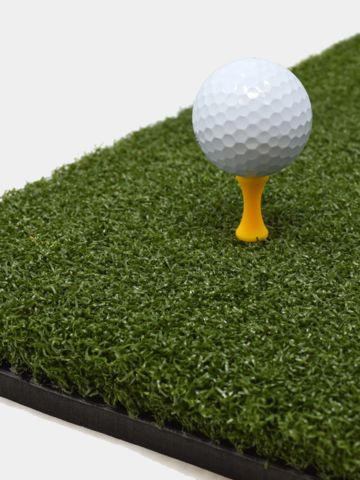
Thicker mats usually offer better shock absorption and a more comfortable playing experience. Thicker mats also typically feature more realistic fibers designed to mimic natural grass. At the same time, their durability is often improved.
Thinner tee mats rarely allow you to use real tees. They require the use of winter tees. Thicker mats, due to their material composition, often support the use of real tees, making driver training particularly realistic. When purchasing your tee mat, pay attention to the product name—this feature is often mentioned there.
-
Sim Space
Side mesh
€119.95in: One size fits all -
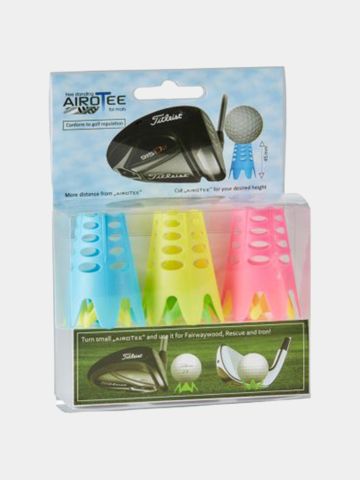
AIROTee
Blister Pack
€9.95in: pack of 6 -

Titleist
Pro V1 RCT
€79.95in: pack of 12 -
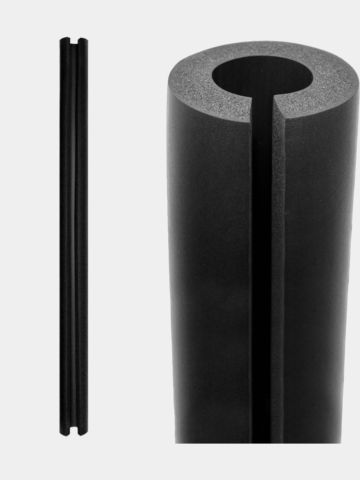
Sim Space
Foam impact protection
€19.95in: One size fits all